


NeedForSlots Casino App
The NeedForSlots Casino app is our browser-based platform that works on any modern device without a download. Simply log in on the website and play slots and other games directly in your browser.
We run everything as an in-browser app, not as a separate file you need to install. The casino operates under a gambling license, so it follows strict rules for fair play, security, and player protection.
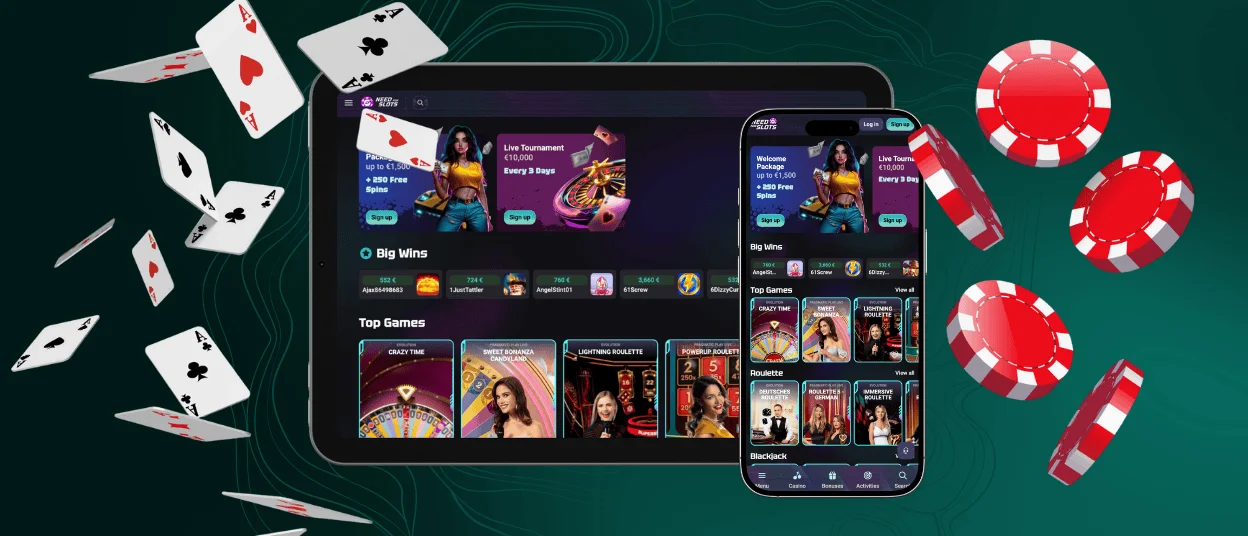
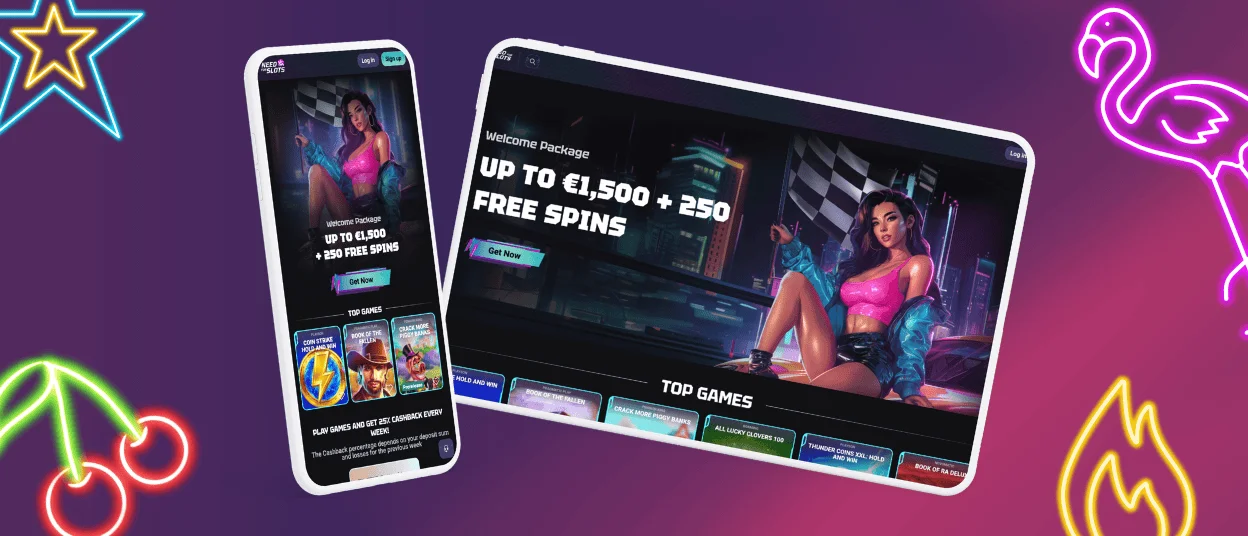
One account is enough to play on your phone, tablet, laptop, or home computer, and your balance and bonuses stay the same everywhere. Our site and games display correctly on different screen sizes, so the NeedForSlots app stays easy to use whether you play on a small phone or a large monitor.
To make access even faster, you can create a NeedForSlots app shortcut from your mobile browser and place the casino icon on your Android or iOS home screen. This way you open NeedForSlots with one tap, like a regular app, but still play safely in the browser.



NeedForSlots App for Android
The NeedForSlots app works on Android through the mobile web version of our casino. Just open NeedForSlots, log in and play slots and other games with real bets on your phone or tablet.
On Android you can use Google Chrome or another popular browser that is already installed on your device. The NeedForSlots app shows you the same lobby, balance and bonuses that you see on your computer, so you can easily switch between devices.
To get started with the NeedForSlots app on Android:
- Open your preferred browser on your Android device.
- Go to our NeedForSlots website.
- Log in to your account or complete a quick registration.
- Choose a game in the lobby and start playing.
You can also make a deposit, activate promotions, and manage your profile in the NeedForSlots app directly from your Android device.
NeedForSlots app for iOS (iPhone and iPad)
The NeedForSlots app is fully available on iPhone and iPad through the mobile version of our casino site. You can open NeedForSlots on iOS, log in to your account and play slots and other games with real-money bets whenever you like.
On iOS, you can open the NeedForSlots app in any modern browser. The layout matches the desktop version, so switching between devices feels natural. The touch interface is simple to use: you can place a bet, spin the reels, or explore another game with a couple of taps. For example, you might start playing at home on your iPad and continue later on your iPhone without changing how you play.
For faster access on iPhone or iPad, you can add a NeedForSlots shortcut from the browser to your home screen. It creates an icon that opens our casino directly, so you can launch the NeedForSlots app like a regular app but still play safely in the browser. You can also manage your account, check promotions and make a deposit from your iOS device in the same secure environment.
NeedForSlots app for Windows PCs and Laptops
You can use the NeedForSlots app on any Windows device directly in your browser. Just sign in to your account on the website and enjoy the game on a larger screen.
The app works smoothly in modern browsers. The interface is easy to navigate with a mouse and keyboard, so moving through the lobby and opening games feels natural.
On Windows, you can check your balance, view current offers, and make deposits through the same secure system you use on other devices.
NeedForSlots app for macOS and MacBook
The NeedForSlots app is also available on macOS, so you can play from your iMac or MacBook in just a few clicks. Open our NeedForSlots website, log in to your account, and enjoy slots and other casino games in your browser.
On Mac you can use Safari, Chrome or another desktop browser. The NeedForSlots app gives you a clean lobby view on a wide screen, which makes it easy to search games, check game info and open several titles during your session. Navigation works well with a trackpad or mouse, so you can move between sections of the casino without effort.

Safety and Support in the NeedForSlots app
The NeedForSlots app is built around safe play and reliable support. We want you to enjoy the games while we take care of protection and service in the background.
For your account, we use modern security standards and protected connections when you log in or manage your profile in the NeedForSlots app. Your personal data is sent through secure forms, and internal checks help us prevent misuse and keep access to your account under control. We also support responsible gaming and provide information and tools that help you stay within your limits.
If you need help, you can reach our customer support team directly from the NeedForSlots website. The contact options listed there allow you to ask questions about your account, bonuses, technical issues, or general rules, and our team will guide you step by step.
FAQ
Which browsers work best with the NeedForSlots app on different devices?
The NeedForSlots app works well in all popular modern browsers. You can use Chrome, Safari, Firefox, Edge, or another up-to-date browser on your phone, tablet, or computer.
How can I add a NeedForSlots shortcut icon to my Android or iOS home screen?
On Android, open NeedForSlots in Chrome, tap the menu icon, and choose the option to add the site to your home screen. On iOS, open NeedForSlots in Safari, tap the share icon, and select “Add to Home Screen”. In both cases you get a NeedForSlots app icon on your home screen that opens our casino directly in the browser with one tap.
Can I try games in the NeedForSlots app for free before playing with real money?
Yes, the NeedForSlots app offers a demo mode that allows you to try games for free. This lets you explore the game mechanics, features, and overall experience before deciding to play with real money.
Does the NeedForSlots app have any tools to help with responsible gaming and limits?
Yes, the NeedForSlots app supports responsible gaming. You can use tools such as deposit limits (daily, weekly, or monthly), wagering limits and self-exclusion options to control your activity.


